How to Share Roblox, FiveM and Minecraft Scripts with a Code Locker
Paste bins get scraped and download sites get flagged. A code locker gives script creators a cleaner way to share and grow.
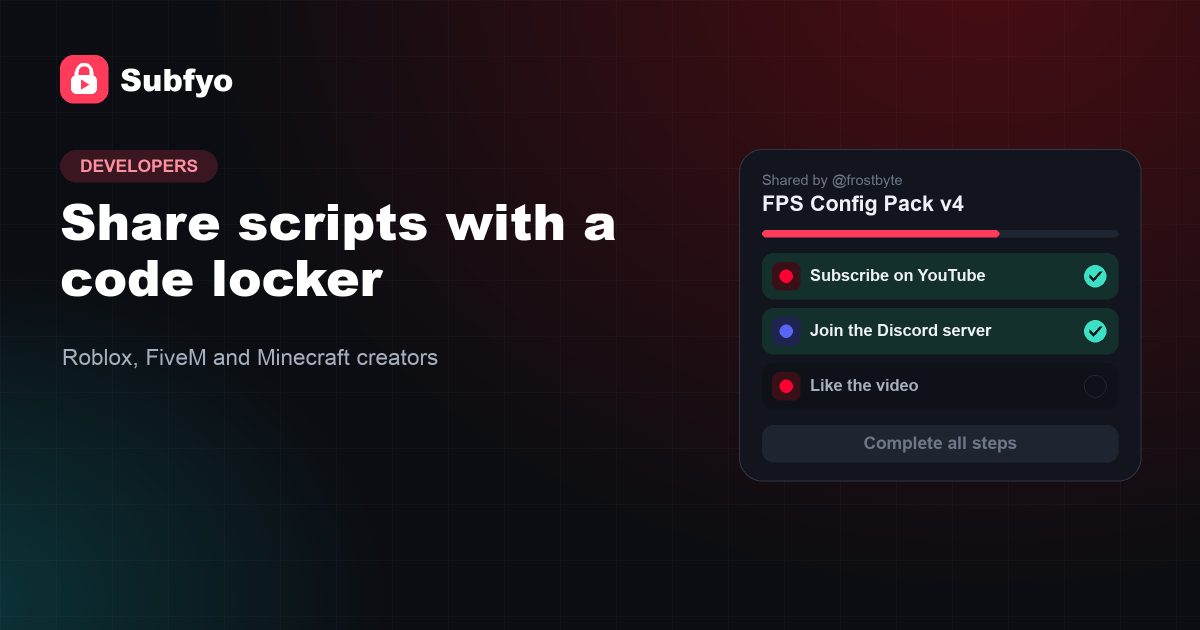
If you write scripts for Roblox, FiveM, Minecraft or any other game or tool, you've probably shared them through paste sites, Discord messages or file hosts covered in ads. None of those options do much for you as a creator. A code locker lets you share scripts in a clean, copy-friendly format while growing your channel and community. Here's how to do it well.
The problem with the usual ways of sharing scripts
- Paste sites are easy, but the link spreads without you. Nobody needs to know who made the script, and many paste sites are scraped or flagged.
- Discord messages reach people already in your server, not new fans, and long code blocks get cut off or lose formatting.
- Ad-heavy download sites make fans click through multiple pages of fake buttons, and that bad experience sticks to your name.
What a code locker does differently
With Subfyo you paste your script into a locker instead of a file. Visitors complete a few tasks you choose, such as subscribing to your YouTube channel and joining your Discord, and then see the script in a code block with a one-click Copy button. A few details matter a lot for code:
- Exact formatting: indentation, tabs and line breaks are kept exactly, so scripts don't break when copied.
- No source peeking: the script is encrypted on the server and only sent to the browser once the steps are done, so it can't be pulled from the page source.
- Easy updates: when you fix a bug or ship a new version, edit the locker and the link stays the same everywhere you've posted it.
Setting up a script locker
- Create a new locker and choose Text / Code.
- Give it a descriptive title, for example "Auto Farm Script v2.3 (Pet Simulator)" or "FiveM Car Spawner Menu".
- Paste your script. Use the note field for requirements: executor or framework version, game version, or setup steps.
- Add your tasks: usually Subscribe on YouTube first and Join Discord second, so users can get help and updates.
- Create the locker and post the short link with your showcase video.
Tip: Put a comment line at the top of your script with your name, version and Discord. It's free advertising every time someone shares the code.
Roblox scripts
Roblox script creators often share through showcase videos. Put the locker link at the top of the description and mention the version in the title so returning users know when something changed. Keep scripts that interact with other players' accounts or data out of your lockers. They break our Acceptable Use Policy and can get your account removed.
FiveM and server resources
For FiveM resources, many developers lock a download link to the full resource folder and use the note field to list dependencies (ESX, QBCore, ox_lib and so on). For single-file snippets, use a text locker so server owners can copy the code directly.
Minecraft commands, datapacks and configs
Long command blocks and configs are ideal for text lockers: they're often hard to share in chat because of length limits. Lock the command and add a short "paste this into a command block" note.
Keep your users safe
Your reputation is your most valuable asset as a script developer. A few rules:
- Never include obfuscated code that hides malicious behaviour, loggers or token grabbers. Subfyo removes these and bans accounts that share them.
- Don't link to downloads that are re-uploaded or modified versions of other people's work without permission.
- Be clear about what the script does and any risks involved.
Every unlock page has a report button, and links with malware or scams are taken down quickly. That protects your users and the reputation of honest developers.
Grow a community, not just a download count
The real value of a code locker isn't one extra subscriber per download. It's turning anonymous users into a community. People who join your Discord through a locker are the ones who report bugs, suggest features and tell their friends about your next release. Use your Subfyo dashboard to see which scripts bring in the most people, and put more energy into the projects your audience cares about.
Summary
Paste your script into a text locker, add a subscribe and a Discord join, write a clear title and note, and share the link with your showcase video. Your code stays formatted, your users get a clean copy button, and every download helps your channel grow.
Keep reading
How to Grow Your YouTube Channel with Locked Downloads
Downloads are one of the strongest reasons people subscribe. Here is how to use a link locker without annoying your audience.
How to Make a Sub to Unlock Link (Step-by-Step Guide)
A complete walkthrough for creating a sub to unlock link that sends viewers to your YouTube channel before they get your download.