How to Grow Your YouTube Channel with Locked Downloads
Downloads are one of the strongest reasons people subscribe. Here is how to use a link locker without annoying your audience.
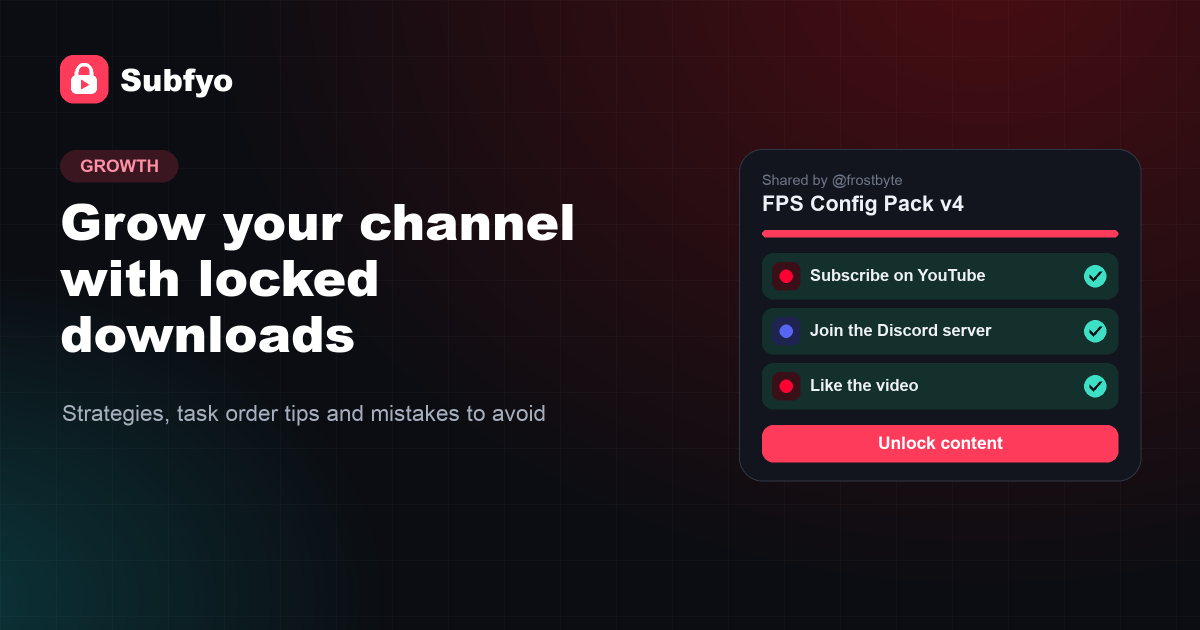
Downloads are one of the strongest reasons a viewer subscribes. Someone who wants your preset pack, project file or script is already a fan of your work. They just haven't committed yet. A locked download gives them that small nudge. This guide covers how to use link lockers to grow your YouTube channel, your Discord and your other socials, without making your audience feel tricked.
Why locked downloads work
Most viewers watch a video, enjoy it and leave. They might come back, but the algorithm decides whether they ever see you again. A subscriber, a Discord member or a follower is someone you can reach directly next time.
When you lock a download behind a subscribe, you're not asking a random visitor for a favour. You're asking someone who has already decided your work is worth downloading. That's why unlock rates for genuinely useful content are often high, and why the people who unlock tend to stick around.
What makes a good locked download
Not everything should be locked. The best candidates are things that:
- Took real effort to make: custom presets, edited project files, sound packs, configs, scripts, map files.
- Are clearly shown in the video: viewers have seen the result and want it.
- Stay useful: resources people return to are worth a subscribe.
Avoid locking basic information people expect for free, like a link to the game you played or a song credit. Locking everything makes your channel feel transactional.
Choosing the right tasks
Every task you add costs some visitors. Here's how to think about it:
The subscribe
This is the core of a sub to unlock link and should almost always be step one. It's the action with the biggest long-term value for your channel.
The like
Likes are quick and help your video in recommendations. A subscribe plus a like is the most popular two-step setup for a reason.
The comment
Comments boost engagement too, but they take longer and some viewers find them awkward. Use a comment task for community videos where you want feedback, and give visitors a prompt in your video ("comment which preset you like most").
Discord and other socials
If you run a server, a Join Discord step turns one-time downloaders into a community you can talk to every day. Following on X, TikTok, Twitch or Instagram works the same way. Add one of these as a second or third step, not the first.
A simple rule: one task for small freebies, two for normal downloads, three for big releases. Go up to five only for something special.
Where to put your link
The best locker in the world won't help if nobody sees it.
- Top of the description. Only the first couple of lines show without expanding. Put the link there with a short label: "Free download: [link]".
- Pinned comment. Many viewers on mobile read comments before descriptions.
- Say it in the video. A five-second mention ("link in the description, free with a subscribe") makes a huge difference.
- End screen and community posts. Remind viewers when you upload a new version.
- Shorts. Point Shorts viewers to the long video that has the download.
Be transparent and respectful
Trust is the whole game. A few practices that keep it:
- Use a clear title on the locker that matches what you promised in the video.
- Keep the destination up to date. Broken download links destroy trust fast.
- Use a clean unlock page. Visitors who get bounced through pop-ups and fake buttons blame you, not the tool.
- Check the rules of every platform you use. Some platforms limit rewarding people for engagement, so make sure your setup fits their guidelines.
Measure, then improve
A locker is not something you set once and forget. In your Subfyo dashboard, look at:
- Views vs. unlocks: your unlock rate. If it's low, your tasks may be too demanding or the content may not match expectations.
- Step drop-off: the exact task where people stop. Move or replace it.
- Daily trends: spikes show which videos and posts drive the most downloads.
Because you can edit tasks and the destination at any time without changing the short link, you can test small changes and watch the results.
An example setup
Imagine you make editing tutorials and share a free transition pack in each video:
- Create a locker titled "Smooth Transitions Pack, Episode 12".
- Step 1: Subscribe to your channel. Step 2: Like the video.
- Add a note: "Works with Premiere Pro 2023+. Drag the .prproj into your project."
- Put the link at the top of the description and pin it in the comments.
- After a week, check the drop-off chart. If 90% complete step 1 but only 70% complete step 2, try removing the like task on the next video and compare.
Final thoughts
Locked downloads work best when they're honest: valuable content, clear expectations, a fast unlock page and a small ask. Do that, and every resource you share becomes a way to grow your channel.
Keep reading
How to Share Roblox, FiveM and Minecraft Scripts with a Code Locker
Paste bins get scraped and download sites get flagged. A code locker gives script creators a cleaner way to share and grow.
How to Make a Sub to Unlock Link (Step-by-Step Guide)
A complete walkthrough for creating a sub to unlock link that sends viewers to your YouTube channel before they get your download.